
Toyota RAV4 (XA40) 2013-2018 Service Manual: Components
(2005/11-2006/01)


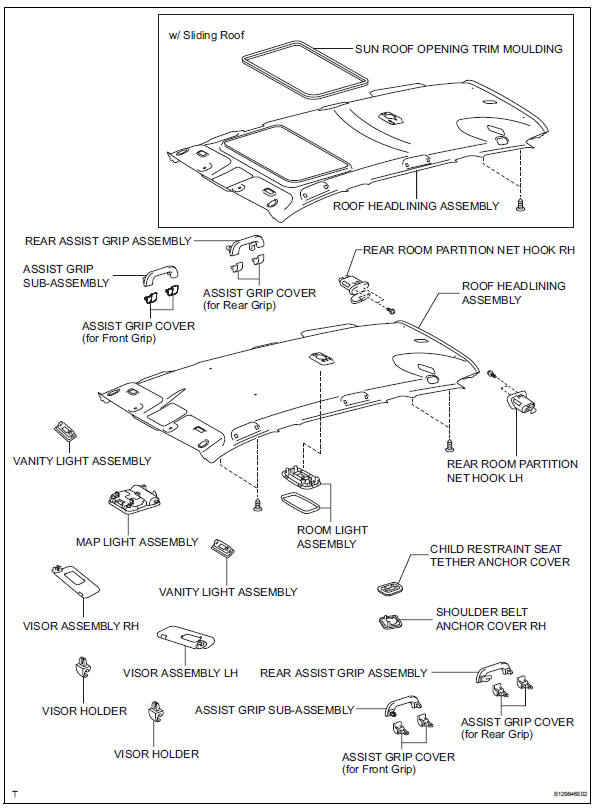

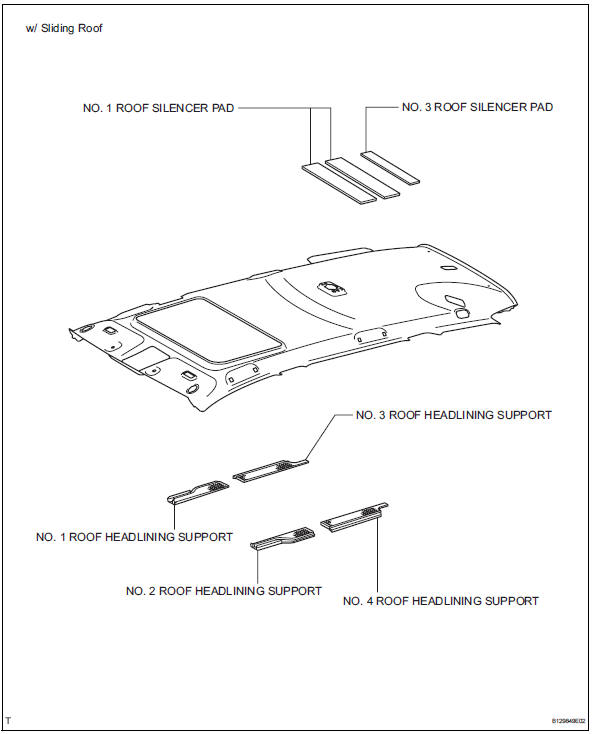
 Roof headlining
...
 Components
(2006/01- )
...
Other materials:
Slip indicator light remains on
Description
The slip indicator blinks during vsc and/or trc operation.
When the system fails, the slip indicator comes on to warn the driver.
For 2wd: with auto lsd switch on, when the hydraulic brake booster is at a high
temperature, the slip
indicator illuminates.
Wiring diagram
In ...
Customize parameters
Notice:
When the customer requests a change in a function,
first make sure that the function can be customized.
Make a note of the current settings before
customizing.
When troubleshooting a function, first make sure that
the function is set to the default setting.
Combination me ...
Parking brake assembly
Components
Disassembly
Hint:
Use the same procedures for the lh side and rh side.
The procedures listed below are for the lh side.
Remove rear wheel
Disconnect rear disc brake cylinder
mounting lh (see page br-55)
Remove parking brake shoe adjusting
hole plug
Remove t ...
